
TABLE OF CONTENTS
- Invite a Team Member to have access to all projects of your organisation
- Invite a collaborator to just work on the brief with you
Invite a Team Member to have access to all projects of your organisation
You can invite a colleague to register as your team member:
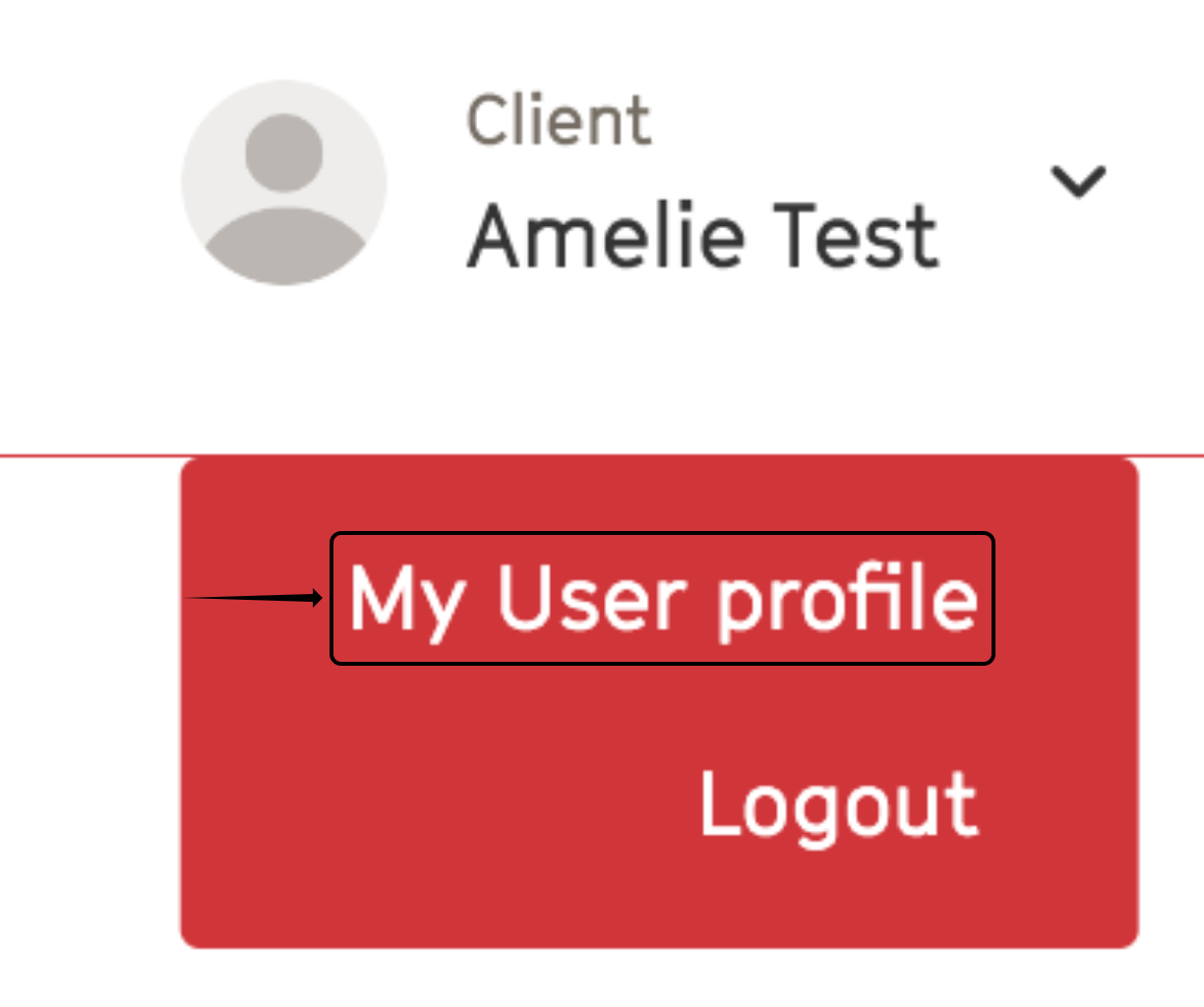
1. Click on your avatar at the top right of the page.
2. Click on My User Profile.
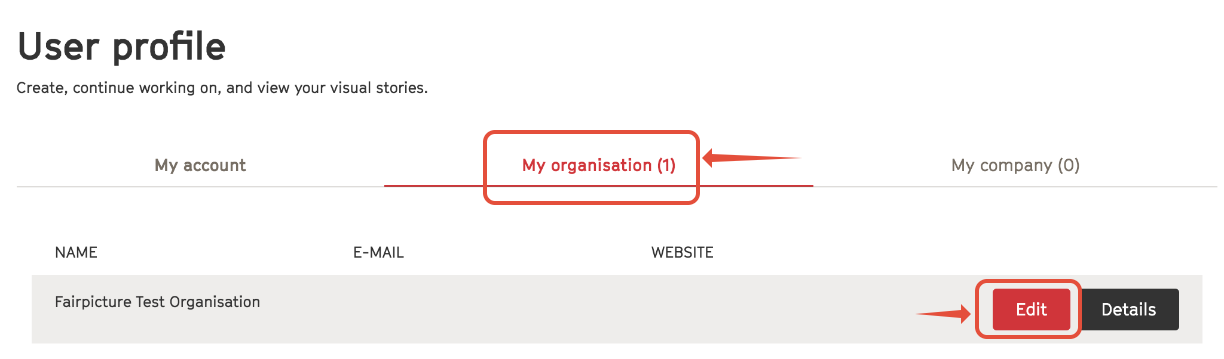
3. Click the Edit button under My organisation.
4. Scroll to the bottom of the page and click the Invite team member button. 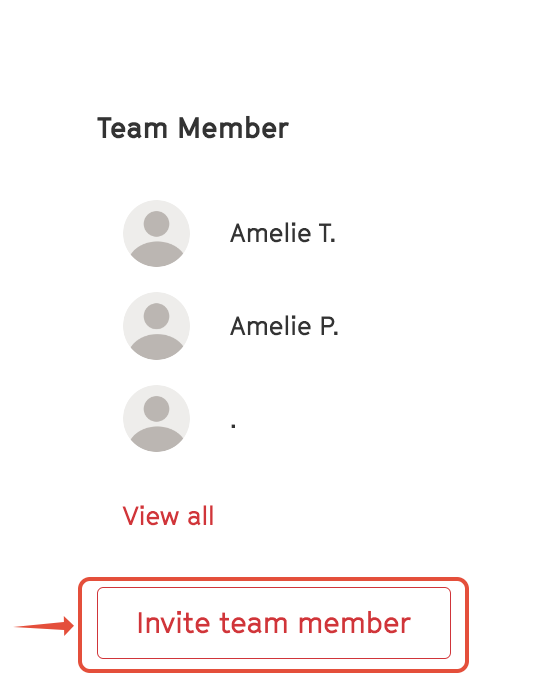
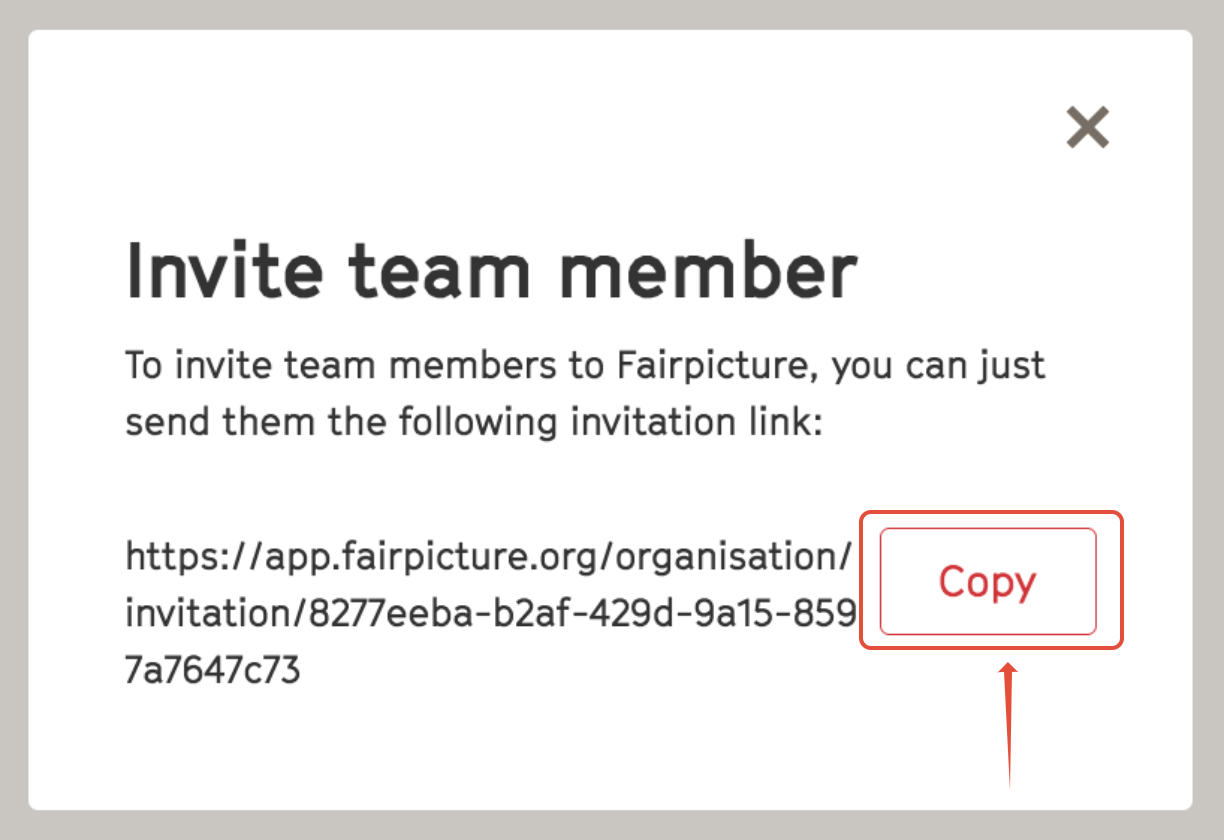
5. Copy the link in the pop up box and send it to your colleague.
6. A login request is sent to your colleague, and they can register their account. If they cannot find the request email, be sure they check their spam folder.
All registered members of the same organisation have access to all their organisation's projects on the Fairpicture platform.
Invite a collaborator to just work on the brief with you
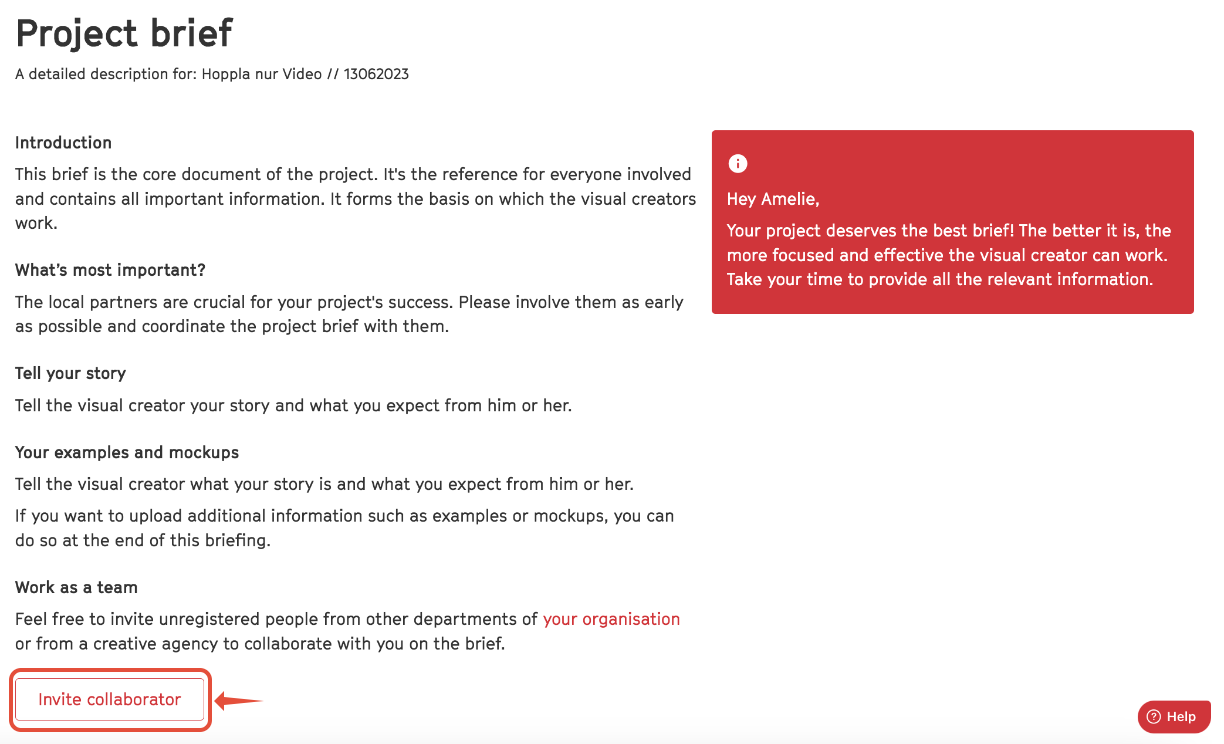
If you would just like to invite a colleague to work with you on completing the brief without giving them access to all projects of your organisation, you can do so using the button Invite collaborator on the first page of the brief form. Enter their email address in the pop-up box and they will have access to and be able to edit the brief with you.
Learn how to adjust the Project Lead and how the notifications work.