
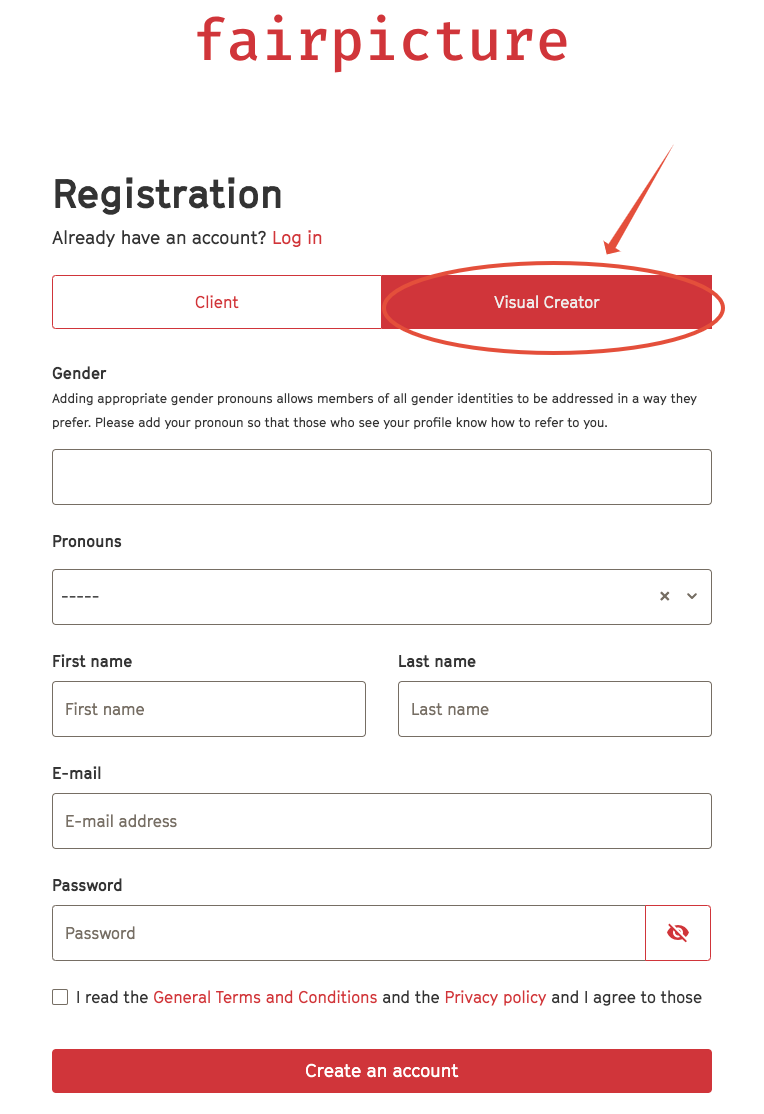
1. Go to https://app.fairpicture.org/signup/
2. Choose Visual Creator, fill in all required fields and click Create an account.
3. You receive an email with a verification link to your email address.
4. Click on the link provided in the email we sent you and confirm your email on the window that opens.
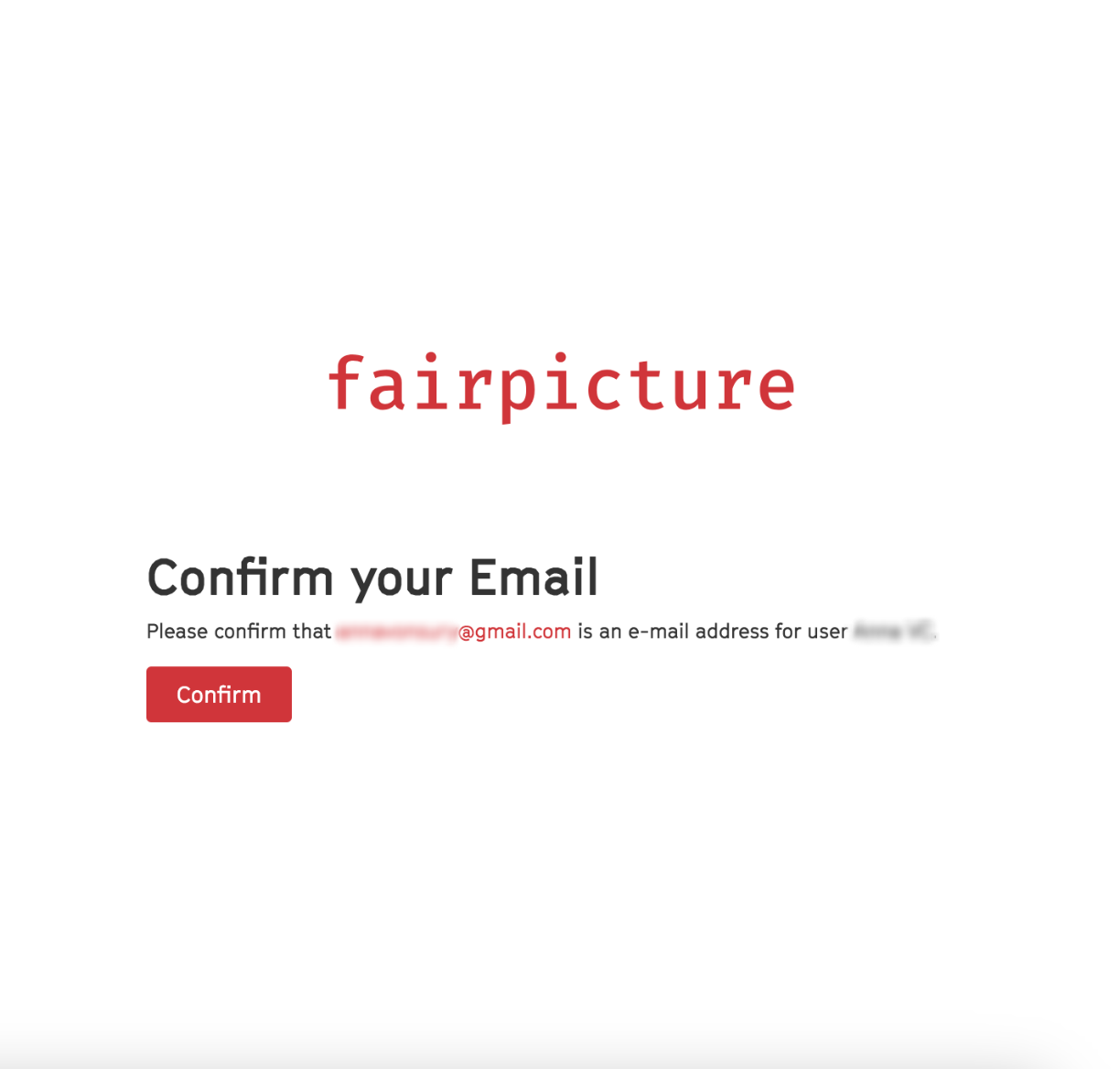
5. After confirming, the login page appears. Please login with your email address and password.
6. Please complete your profile by clicking Create a company and filling in the required information.
- If you are a freelancer, just enter your personal name as company name.
- Please note that your request ist not submitted without completion of this step.
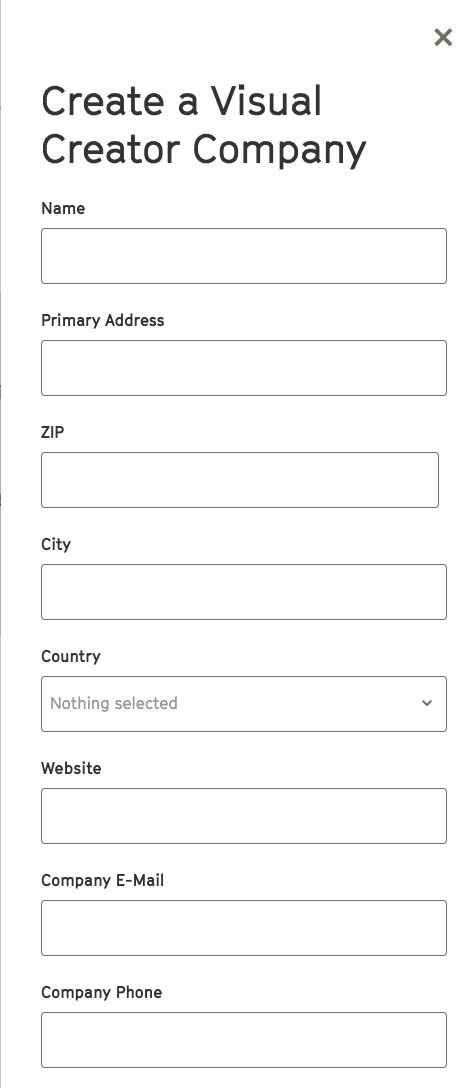
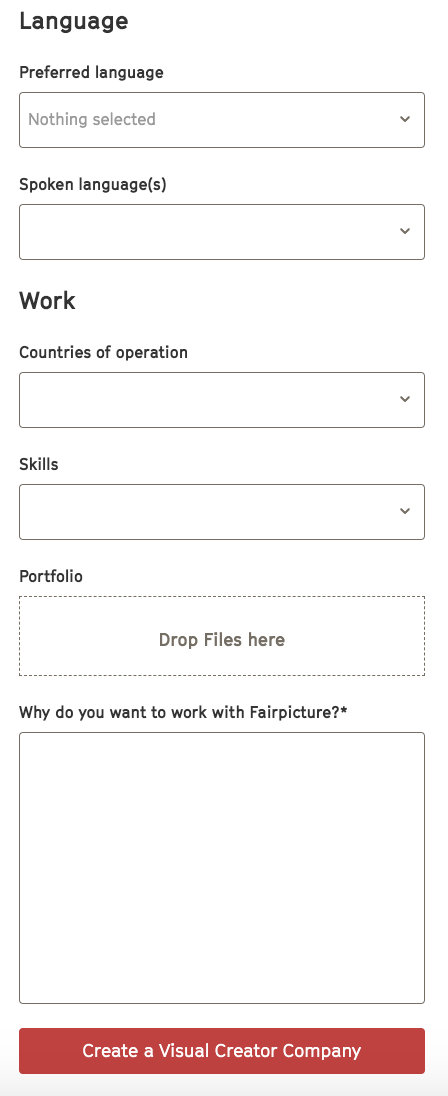
7. Confirm by clicking Create a Visual Creator Company.
8. Fairpicture will accept your registration or get in touch with you.