As a Project Lead, you will receive notifications of activity on the platform via email.
Notifications are sent if there is
- a new project request waiting on you;
- an action required from you to proceed with an ongoing project process;
- a new message from the client or Fairpicture for you in the project conversations.
E-mail notifications might land in your spam folder. Please let us know if you don’t receive notifications at projects@fairpicture.org.
Team members: follow/unfollow projects
As a member of a Visual Creator Profile who is not the project lead, you have the possibility to follow a project. When following a project, the Action Required-Tag will be visible for you in the dashboard for the project(s) you follow. This tag appears when an action is required from your organisation's side in order to move forward with the project.
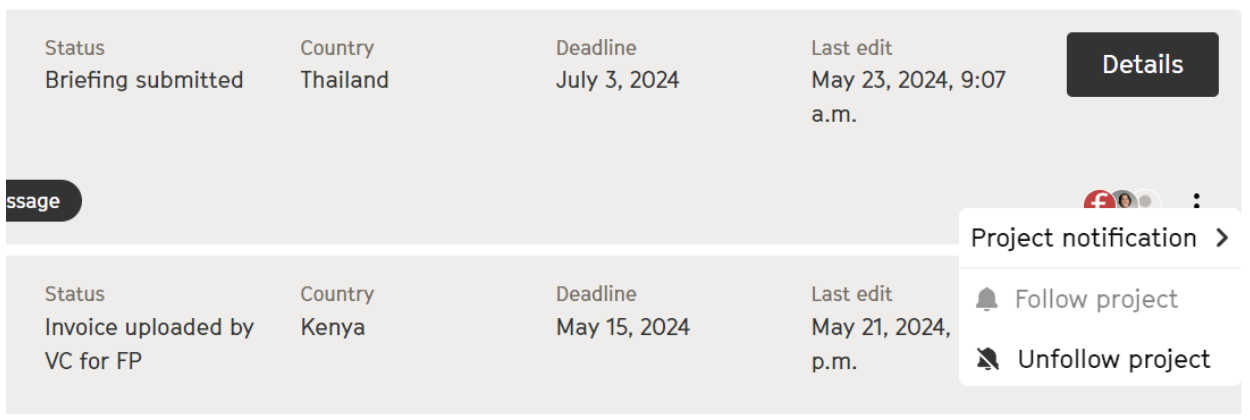
You can follow/unfollow a project by clicking on the three dots at the bottom right corner of the project you would like to follow. As soon as you follow a project, a window appears to set the chat messages notifications for the followed project.
Team members: Notifications for chat messages
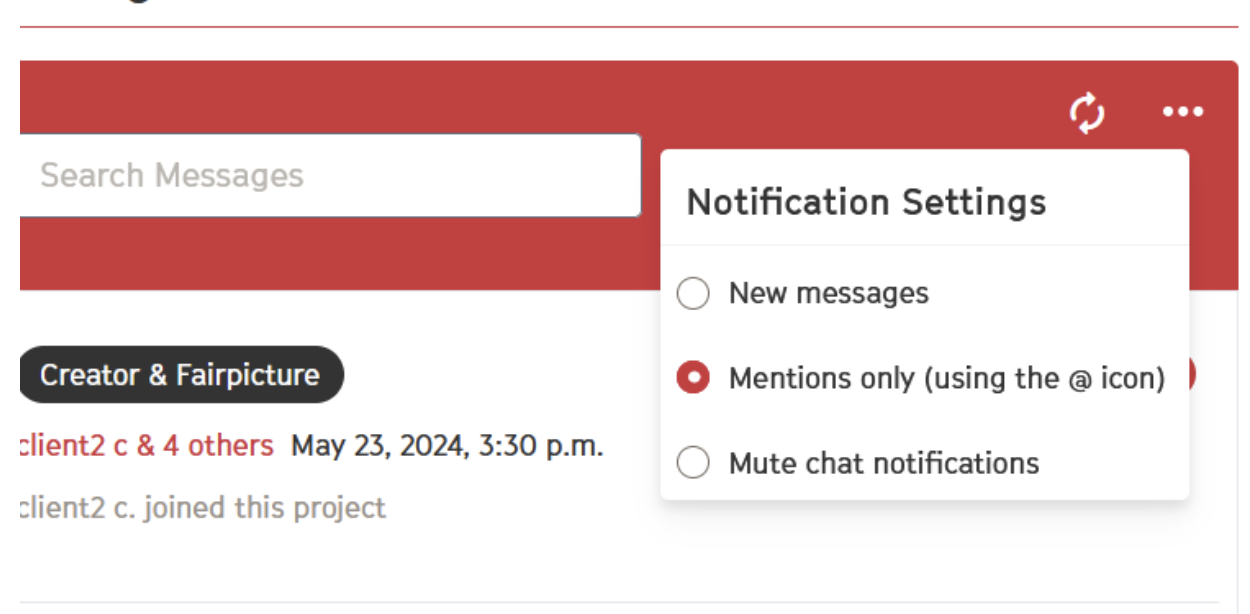
As a member of a Visual Creator Profile who is not the project lead, you have the possibility to enable chat notifications. You can either enable notifications for all new messages, or for messages you're tagged in.
You can enable chat notifications directly in the project chat.