
To start a new consent collection project in FairConsent, projects are created through the FairConsent platform by an Owner, Admins, or Managers. Once created, the project can be assigned to one or more collectors who will complete the consent collection using the FairConsent app.
This workflow gives organizations greater control over project setup, collector assignments, and operational oversight.
Before starting:
- Collectors must be invited through the platform
- Collectors must accept the invitation to access the active app license/seat
Create a New Project (Owner, Admins, & Managers)
Steps on the Platform
- Open the FairConsent Platform
- Navigate to Consent Management
- Click Create Project
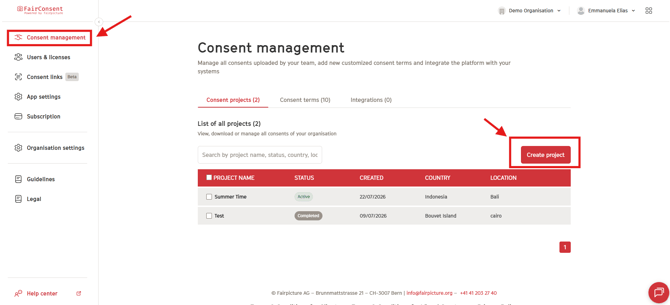
Complete Project Information
Fill in the required fields:
- Project Title
- Status (Active or Draft)
- Country
- Production Location
- Responsible Party
- Collectors (select one or more invited users)
After completing the required details, click Create.
Note: Collectors an have access to create a project from the app if the admin enable it form the platform. You can learn: How to Create Projects from the FairConsent App
Once created, the assigned collector(s) will receive an email invitation to access the project in the FairConsent app.
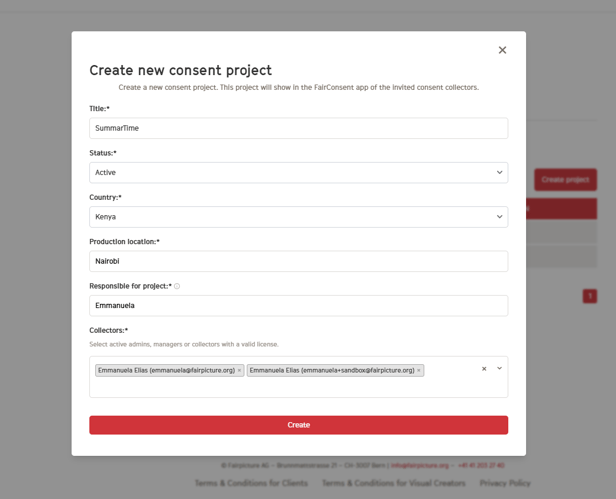
Access the Project (Collectors)
Open the Invitation Email
- Collectors should open the received email and follow the included instructions.
- If the App Is Not Installed download the FairConsent app first.
Collectors have two access options:
If the collector is on his Phone
- Tap the embedded link in the email to open the project directly in the FairConsent app.
If the collector is on his Computer/Laptop
- Scan the QR code using his phone’s normal camera to open the project in the app.
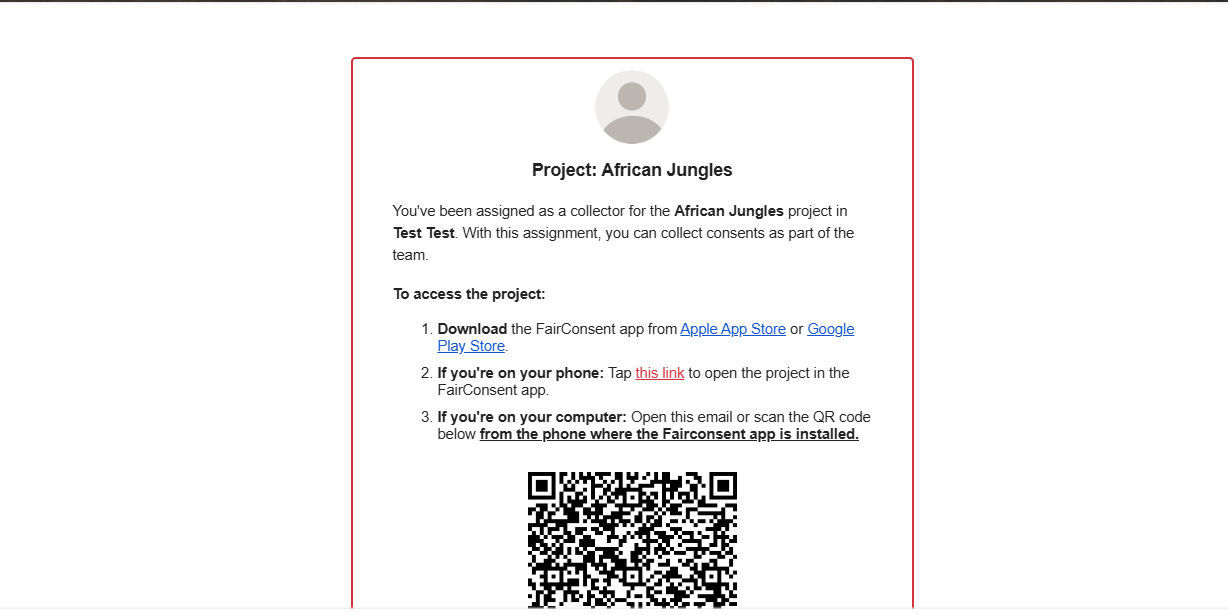
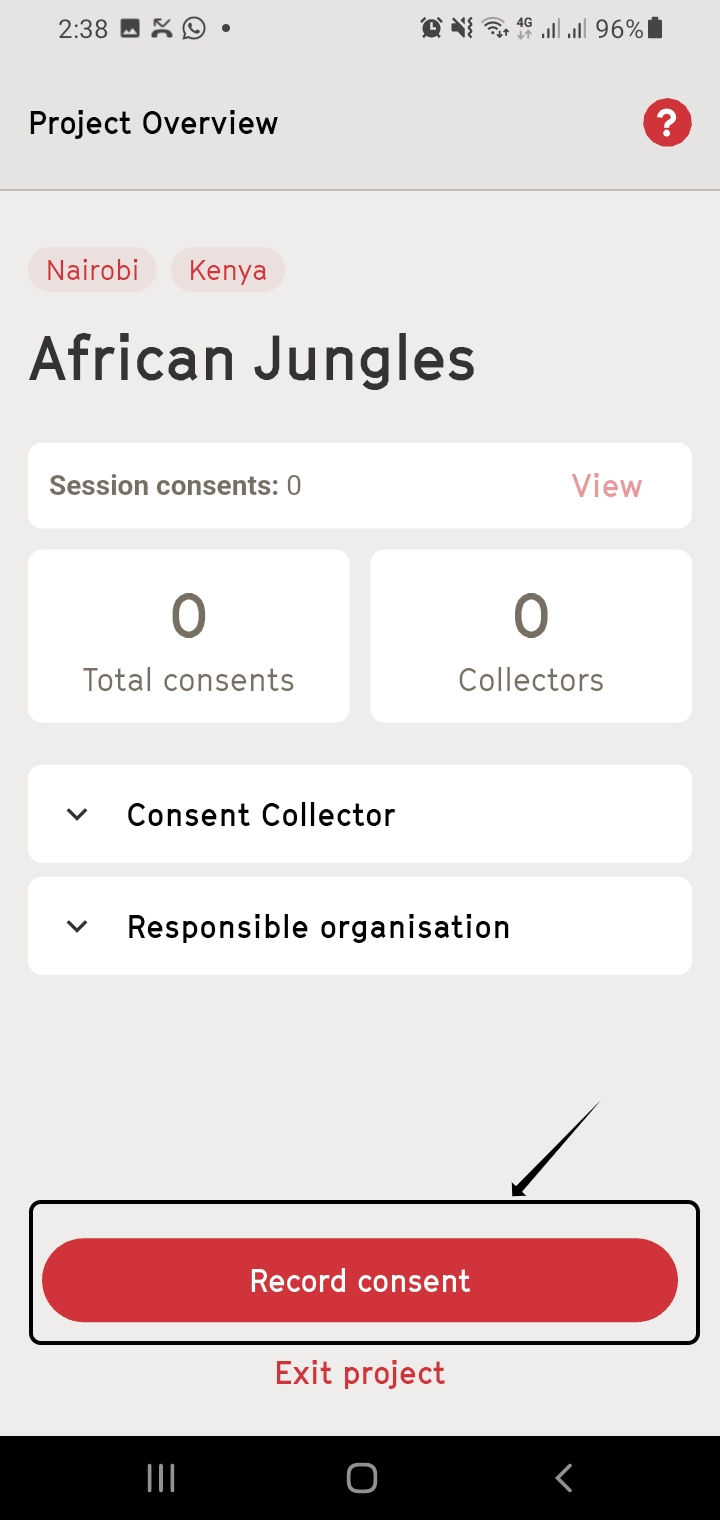
Project Details in the App
Once opened, the assigned project will appear in the FairConsent app.
- Tap "Collect Consents" to enter the project.
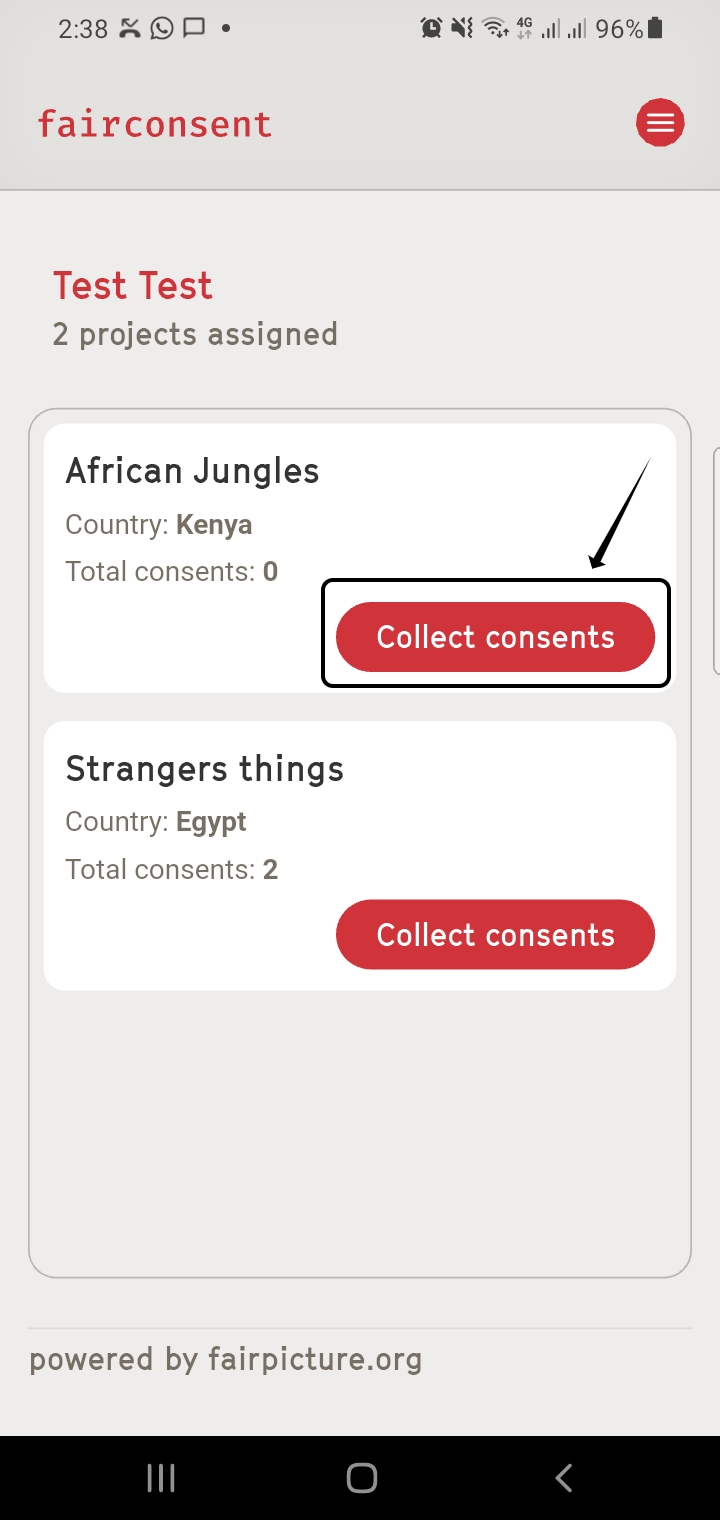
Inside the project, collectors can view:
- Project Title
- Country
- Production Location
- Total consents collected
- Number of uploaded consents synced with the platform
- Consent Collector information
- Responsible Organization details
Start Recording Consent
Tap "Record Consent" to begin collecting consent for:
- An adult individual
- A guardian with children or wards
- For schools, institutions, or family settings, multiple children or wards can be added under one guardian consent record.
Fields to Complete
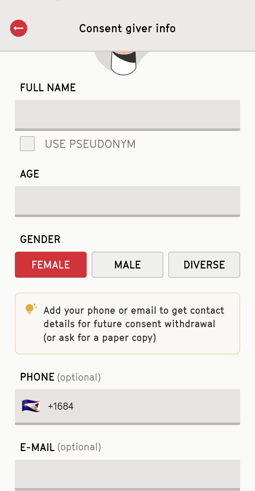
Before recording consent, you need to enter the personal details of the consent giver in FairConsent.
Name: Enter the full name of the individual. If anonymity is required, enable “Use Pseudonym”.
Age: Provide the individual’s age.
Gender: Select one of the available options:
- Female
- Male
- Diverse
Phone & Email
- Enter the contact details of the consent giver.
- This allows the system to automatically send a confirmation message/email, including a withdrawal link.
Add any relevant information, such as:
- Usage rights
- Special conditions
- Additional context related to the consent
- Once all required fields are completed, tap Start Consent Recording to process
Next step, proceed to Explaining Consent Terms