
Recording a Witness
Witnesses confirm that consent was properly obtained. They are typically staff members, local partners, or any trusted adult. Recording a witness ensures transparency and legal compliance.
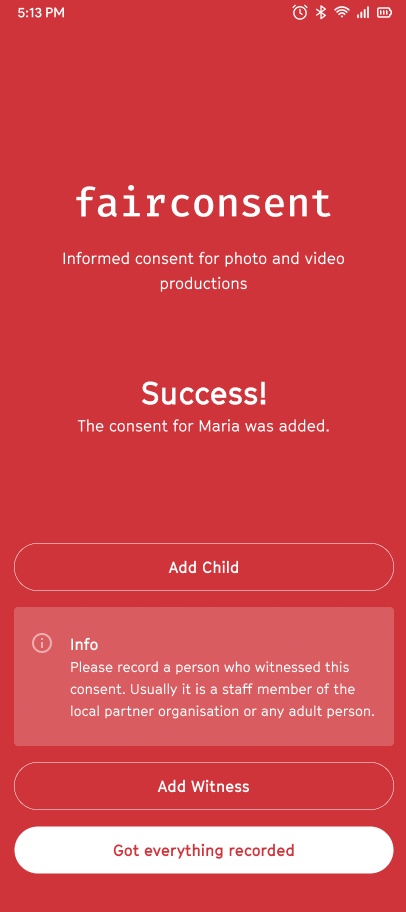
1. After Recording Consent
- Tap "Add Witness"
2. Add Witness Information
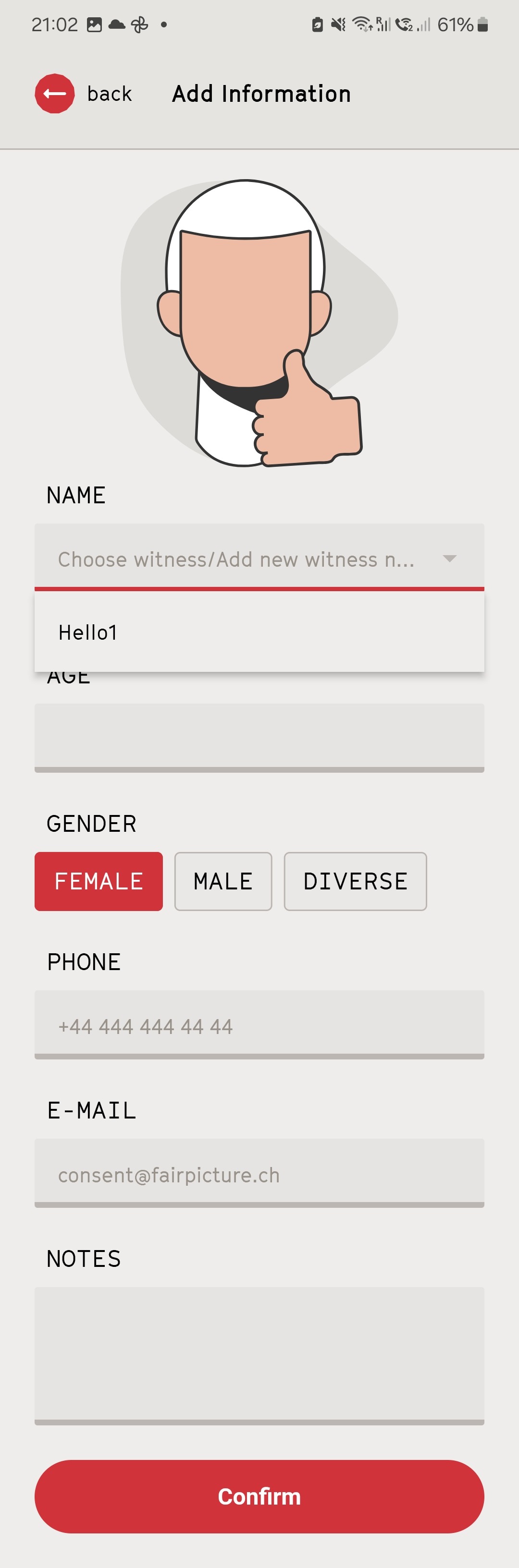
- Fill in the witness’s:
- Name
- Gender
- Phone
- Any relevant Notes (optional)
Tap "Confirm"
To save time, select previously recorded witnesses from the dropdown menu.
3. Confirm Witness
- Just like confirming consent, witnesses can confirm their role by taking a photo with a thumbs-up gesture.
Please note that recording a witness does not replace their own consent; if the witness is also a subject of consent, their consent must be recorded separately as usual.
Learn how to collect consent information